Windows Recall Demands Extraordinary Trust Microsoft Hasn't Earned
By default, Recall can store dozens of gigabytes of personal data across three months of PC usage - a huge amount of sensitive information.
— Ars Technica, June 2024
We've reached "Linux Parity." The era of struggling with drivers and "the command line" is over. In 2026, Linux is faster, more stable, and more user-friendly than the competition.
Modern Linux distributions have achieved feature parity with Windows while maintaining superior privacy and performance. The ecosystem is mature, hardware support is comprehensive, and the user experience rivals any commercial OS.
With Proton and Wine compatibility layers, even Windows-exclusive software runs seamlessly. The days of choosing between functionality and freedom are over.
By default, Recall can store dozens of gigabytes of personal data across three months of PC usage - a huge amount of sensitive information.
— Ars Technica, June 2024Security practitioners castigated Recall for creating a gold mine for malicious insiders, criminals, or nation-state spies.
— WIRED, February 2025Despite Microsoft's promises of privacy safeguards, Recall continues capturing sensitive financial and personal information.
— TechSpot, December 2024EFF warns that tech giants are widely harvesting and sharing personal information to fuel online behavioral advertising businesses.
— Electronic Frontier Foundation, September 2024Signal, Brave, and AdGuard implement measures to shield users from what they describe as unwanted Microsoft surveillance.
— TechSpot, May 2025AdGuard analysis shows Microsoft's reworked Recall feature remains problematic for user privacy and security.
— AdGuard, July 2024Comprehensive analysis of Windows 11's data collection including device details, hardware components, and diagnostic data from system failures.
— PC World, April 2025Optimized kernels like CachyOS deliver up to 15% better performance than Windows on high-end hardware.
Immutable distros like Bazzite ensure your system files are locked and impossible to break by accident.
No tracking, no forced ads, and no background telemetry. Your data stays on your machine.
Run a modern, secure OS on hardware that others have labeled 'obsolete'.

Linux is inherently more secure than mainstream operating systems, which is a huge weight off a beginner's shoulders.
Fewer Viruses: Most malware is designed to target Windows. While no OS is "unhackable," Linux users are significantly less likely to encounter common viruses.
No Data Mining: Most Linux distros don't track your behavior to sell ads. Your data stays on your machine, not on a corporate server.
If you have an old laptop that’s crawling under the weight of modern Windows updates, Linux can breathe new life into it.
Efficiency: Linux is much lighter on system resources (RAM and CPU).
Longevity: You can keep using a perfectly good computer for years longer than the manufacturer intended, saving you money and reducing e-waste.
On other operating systems, you often have to update Windows, then update Chrome, then wait for Steam to update, and so on.
One-Click Everything: Linux handles updates for the operating system and all your installed apps at the same time.
No Forced Reboots: Unlike Windows, Linux rarely forces you to restart your computer immediately after an update. You can keep working and reboot when you are ready.
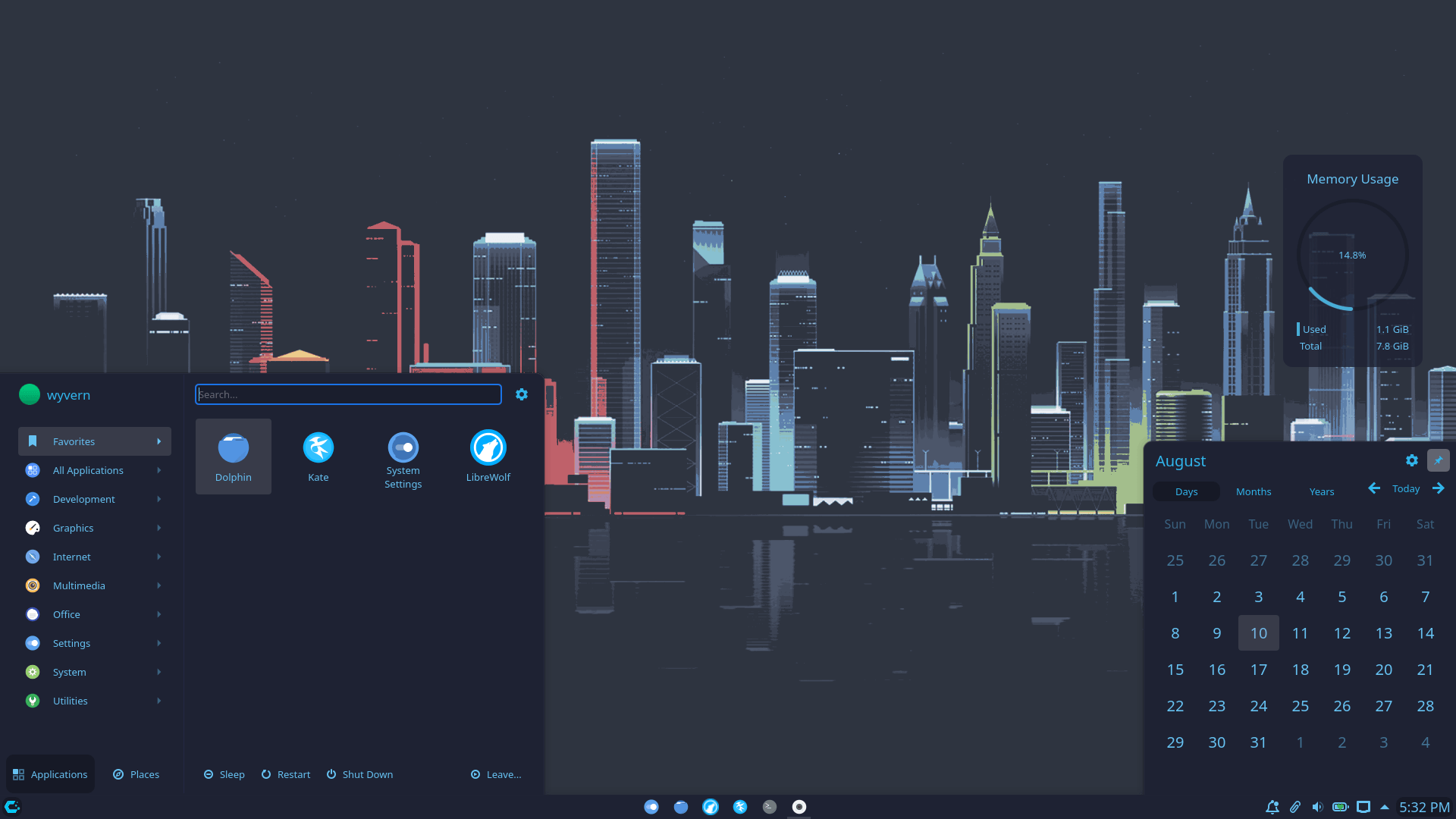
Before you make the switch, you can take Linux for a test drive. Using a LiveUSB, you can run a full version of Linux directly from a flash drive—no changes to your hard drive, no files deleted, and no installation required. It’s the ultimate "try before you buy" (except it’s all free).
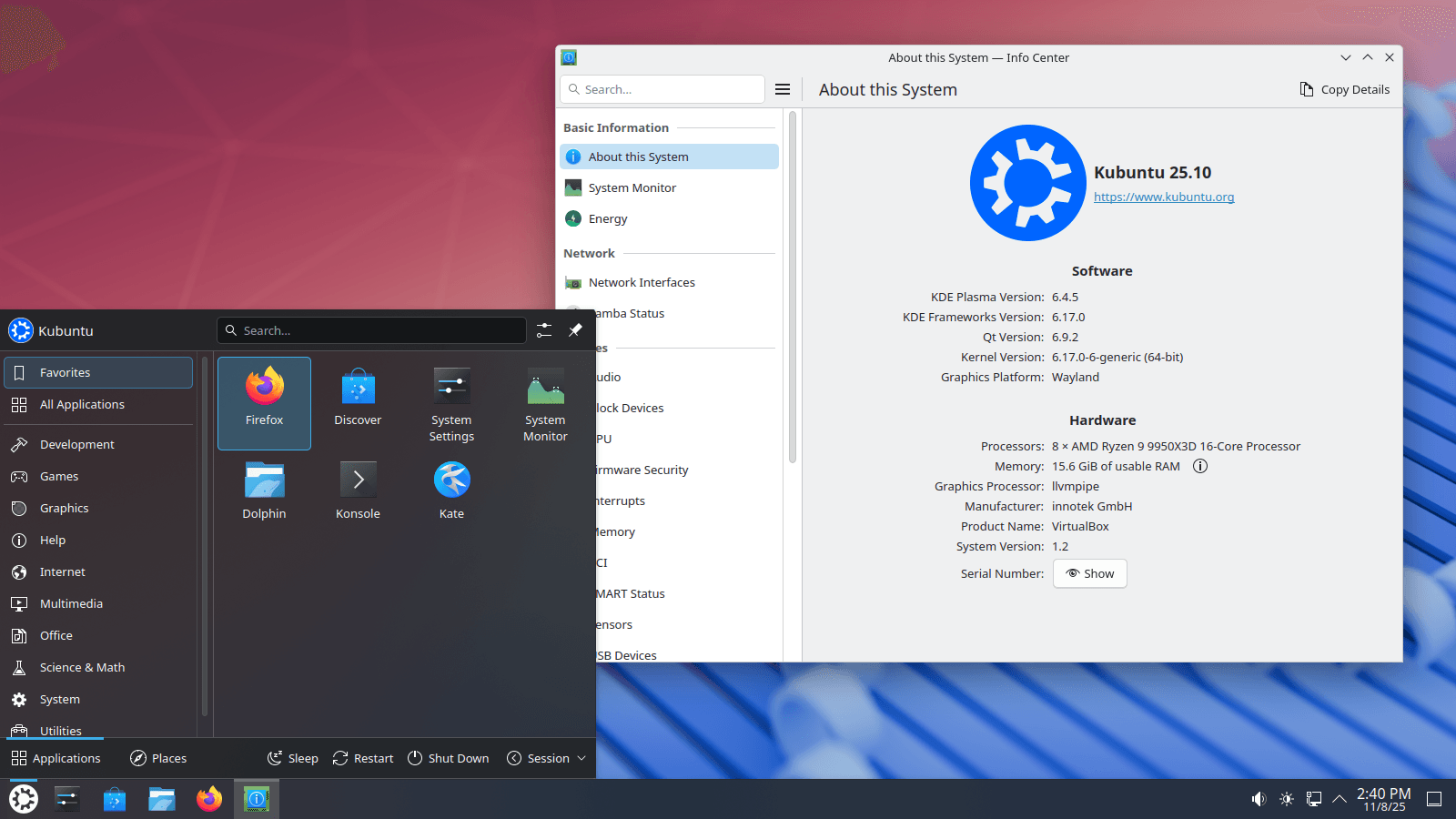
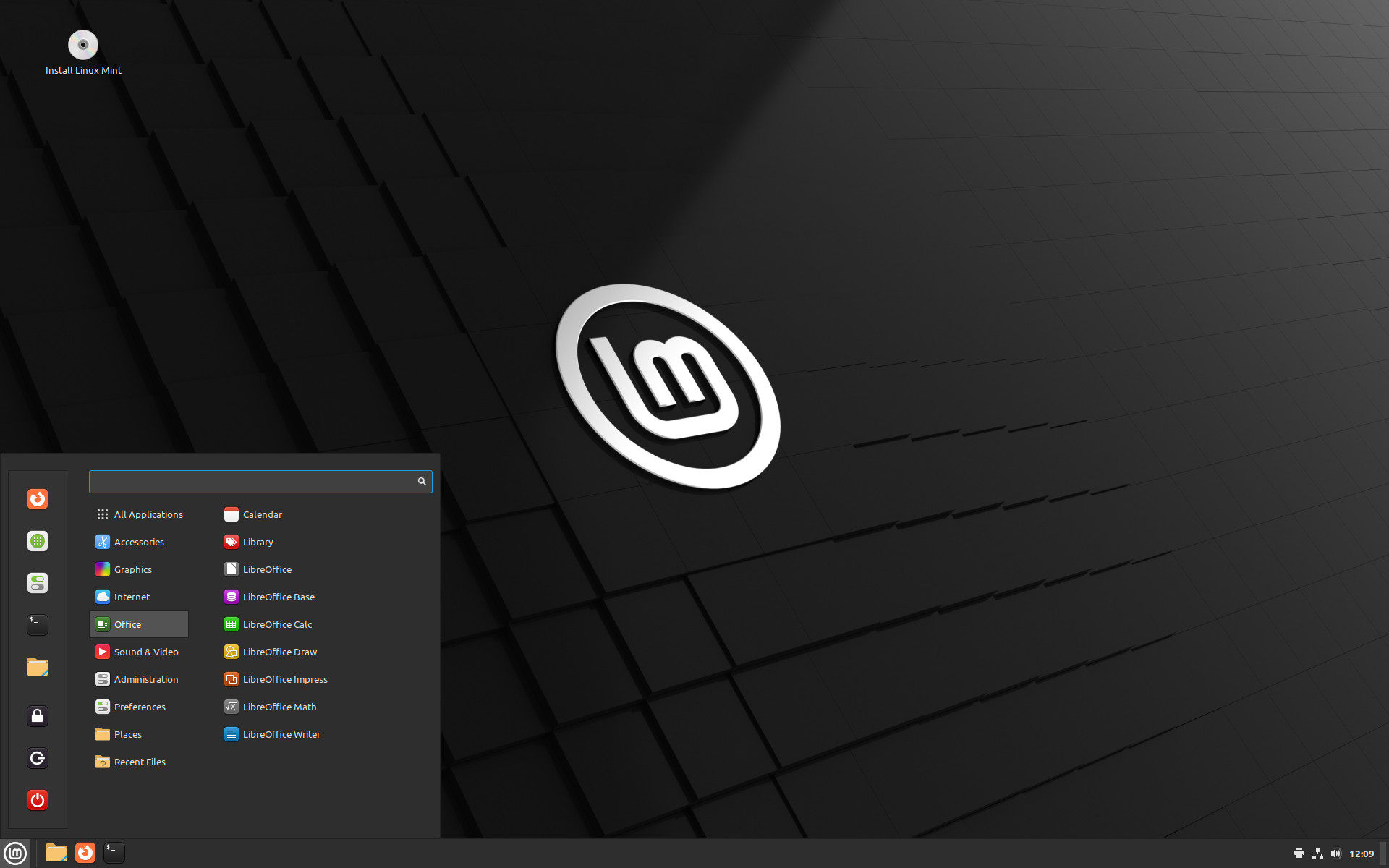
Experience the Interface: Browse the desktop, open the file manager, and see how natural the Windows-like layout feels.
Check Your Hardware: Verify that your Wi-Fi, printer, and Bluetooth work perfectly out of the box.
Total Safety: When you're done, just pull out the USB and restart. Your original computer remains exactly as you left it.
Switching systems doesn't mean starting over. With every migration, we provide personalized training designed to turn "newcomers" into "power users." You won't just be handed a new OS; you’ll be mentored on how to make it work for you.
Hands-On Navigation: We walk you through the desktop environment, showing you exactly where your favorite settings and tools are located.
Software Translation: Learn how to find the Linux equivalent for every Windows app you currently use, ensuring zero downtime in your daily routine.
System Ownership: Gain a basic understanding of how your system handles updates and security, empowering you to maintain your PC with confidence.
One-on-One Support: Our training is interactive—ask questions, troubleshoot specific workflows, and get real-time answers from a Linux expert.
You never have to worry about "breaking" your system or getting stuck. Our dedicated support team is available by appointment to provide professional, one-on-one technical assistance tailored to your specific setup. Whether it’s a quick fix or a complex configuration, we’ve got your back.
Remote Assistance: No need to leave your desk. We can securely log in to your system to troubleshoot issues and optimize performance in real-time.
In-Person Support: For hardware setups or more hands-on help, we offer on-site appointments to ensure your transition is seamless and stress-free.
Tailored Troubleshooting: From printer configuration to advanced software setup, our support is specific to your workflow and your machine.
Direct Scheduling: Contact us directly to book a dedicated time slot that fits your schedule. We prioritize our migration clients to ensure you stay up and running.
You can't run them natively by double-clicking, but you have three solid options:
Linux Native Versions: Many apps (Chrome, Discord, Spotify, Zoom, Steam) have official Linux versions that work perfectly.
Compatibility Layers (Wine/Bottles): Tools like Wine or Bottles can run many Windows programs. Steam’s Proton has made gaming on Linux nearly identical to Windows.
Web Apps: Since most work happens in the browser now (Google Docs, Office 365, Canva), these work exactly the same on Linux.
Most hardware "just works" because Linux drivers are built directly into the system.
Modern PCs: Usually work out of the box.
Printers: Most modern printers (HP, Brother, Epson) are detected automatically.
NVIDIA Graphics: Most distros now offer a "One-Click" install for NVIDIA drivers during setup.
Think of a Distro (Distribution) like a "brand" of Linux. They all use the same core engine but offer different "interiors" and performance tuning.
For Windows Switchers: Linux Mint or Zorin OS. These offer the most "at-home" feeling with a familiar Start Menu and Taskbar layout.
For the Hardcore Gamers: * Bazzite: This is essentially the "SteamOS" experience for your PC. It’s built to be rock-solid, works beautifully with handhelds (like the Steam Deck or Legion Go), and comes with all the gaming tweaks pre-applied.
CachyOS: If you want raw speed, this is it. It’s optimized at a hardware level to squeeze every frame possible out of your CPU and GPU.
For Creative Pros: Ubuntu. It is the "industry standard" for Linux; if a creative tool has a Linux version (like DaVinci Resolve), it’s guaranteed to be tested on Ubuntu first.
Yes, for a few reasons:
Permission Model: Linux requires your password before any system-level change can happen. Malware can't just "install itself" in the background.
Open Source: Thousands of developers audit the code. There are no "hidden backdoors" for telemetry or data mining.
No Registry: Linux doesn't have a "Registry" that gets bloated and slows down your PC over time.